101 Family Tree Templates

101 Family Tree Templates

  • Family Tree Maker
    • Two Generations
    • Three Generations
    • Four Generations
    • Cousin family tree
  • Quotes
  • Blank
    • How to Make a Family Tree on Word
  • Poster
  • Wedding Tree
  • About Us

Four Generations

01.03.2017 by ayz_5354 // Leave a Comment

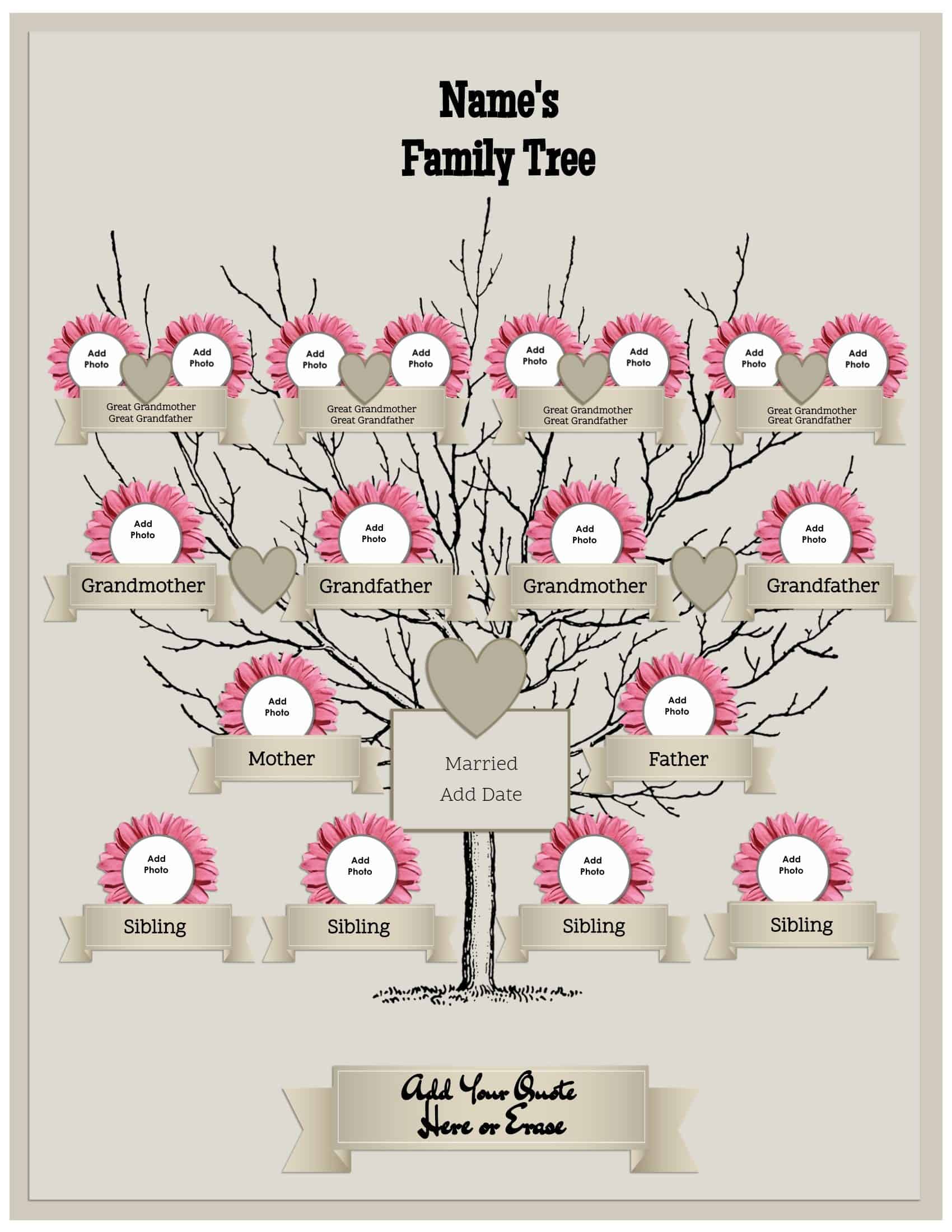
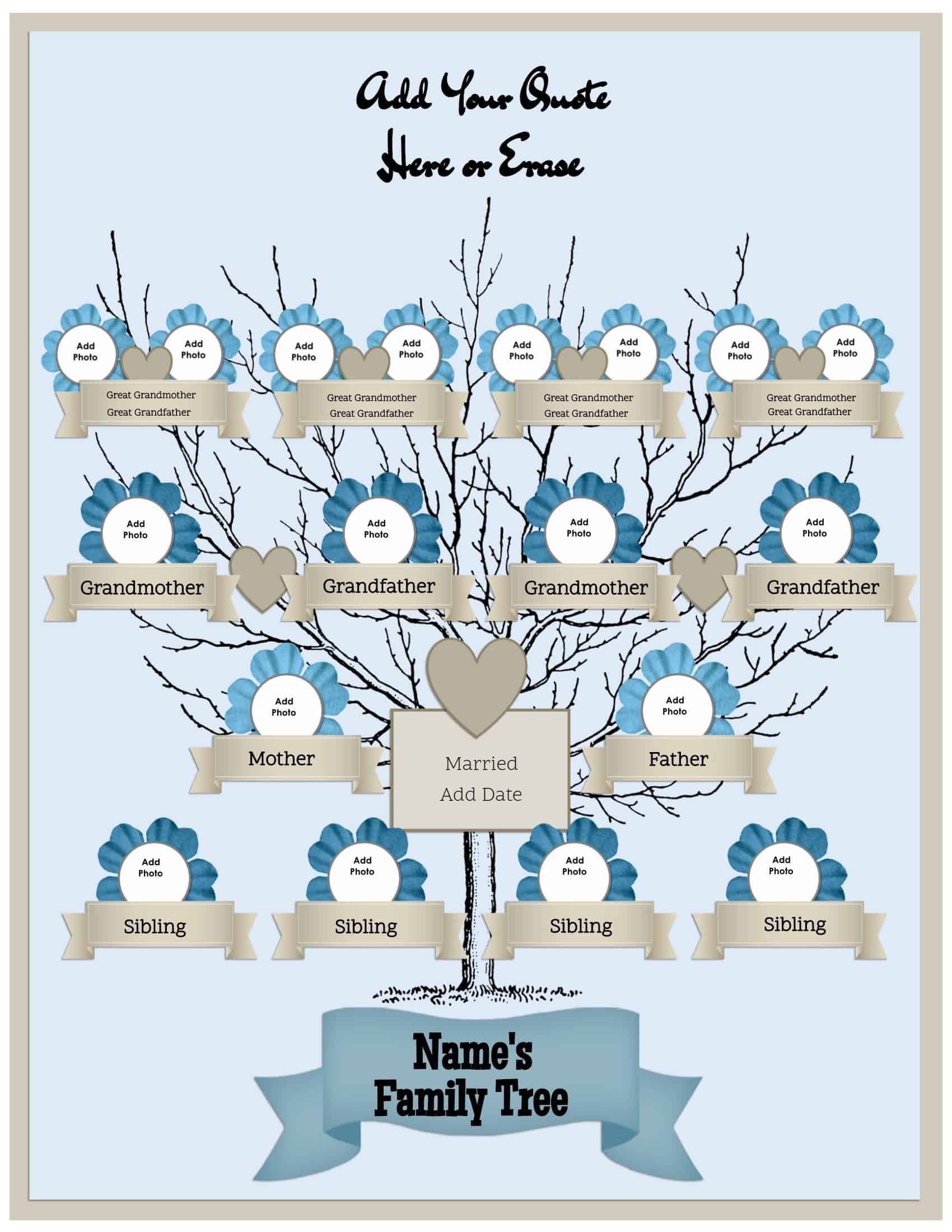
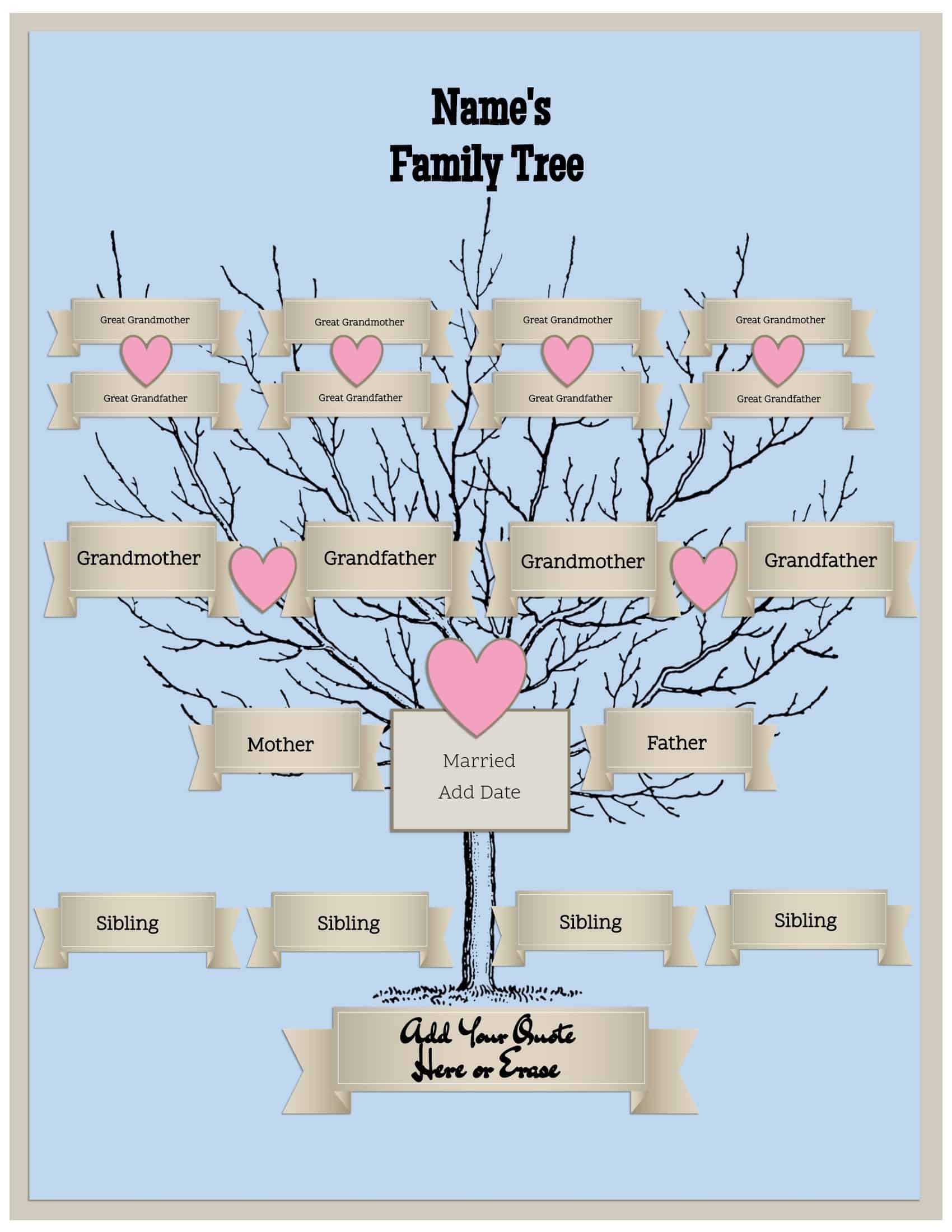
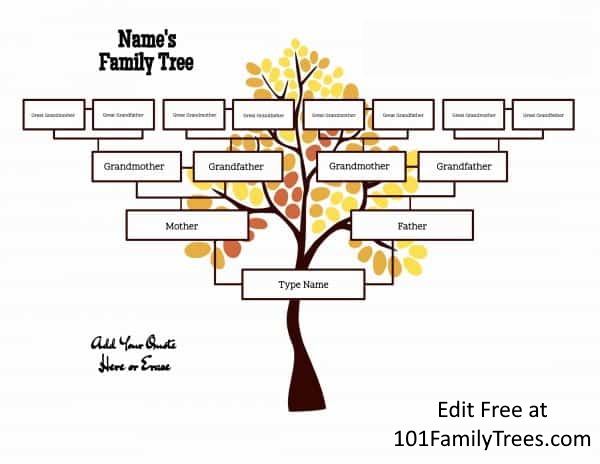
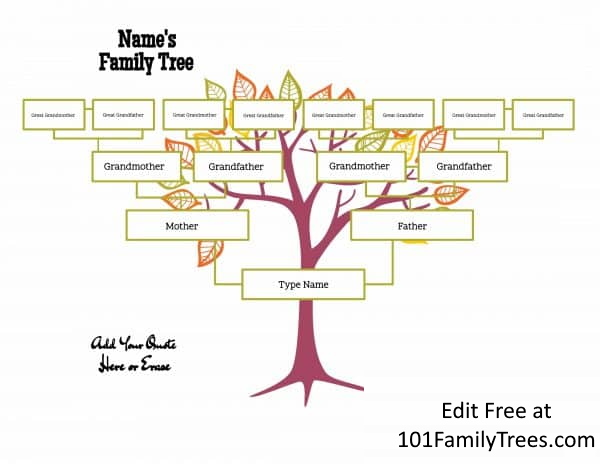
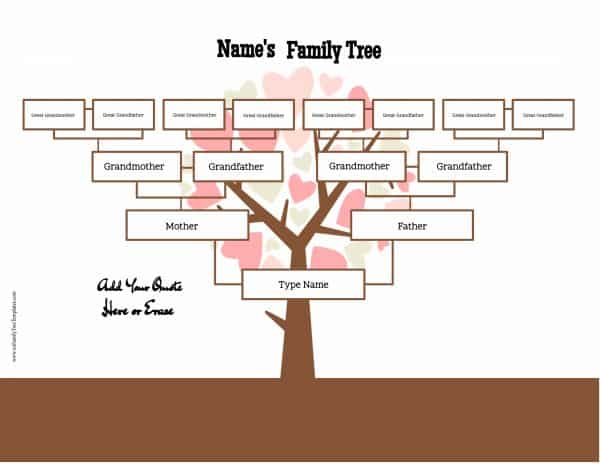
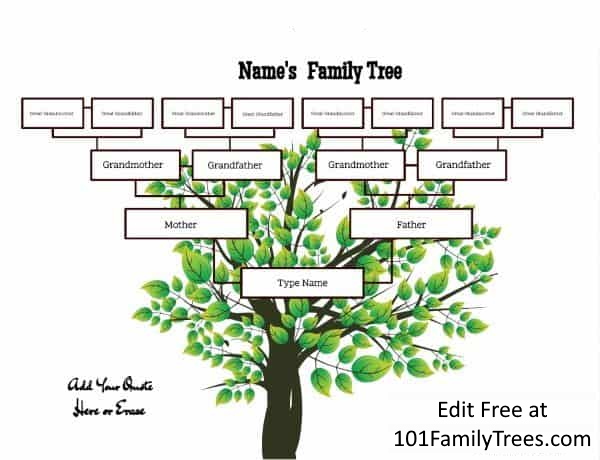
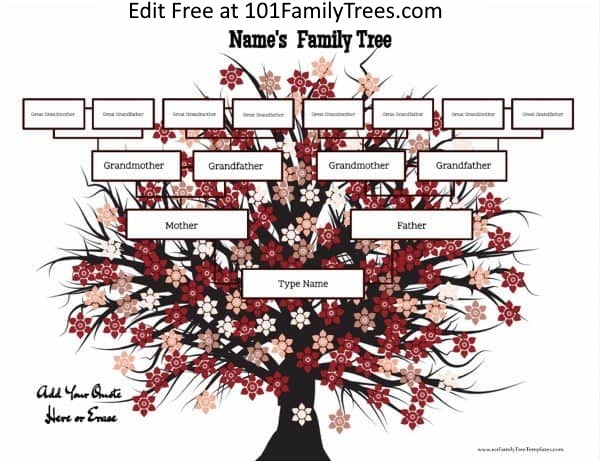
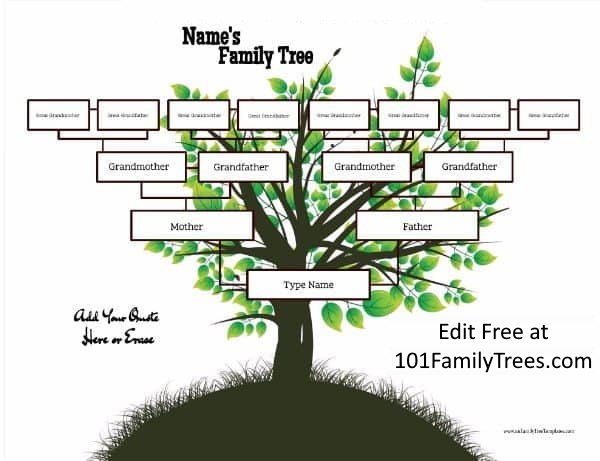
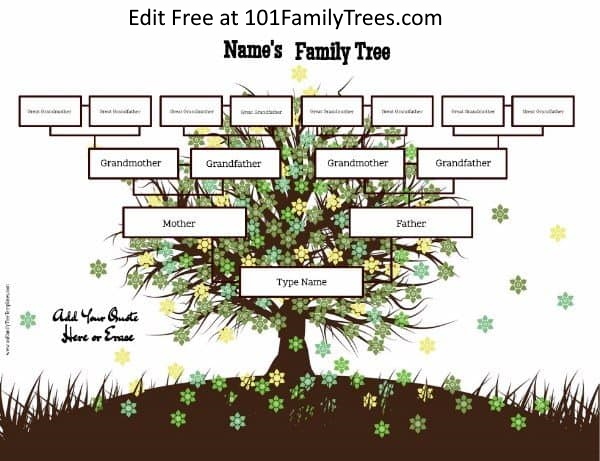
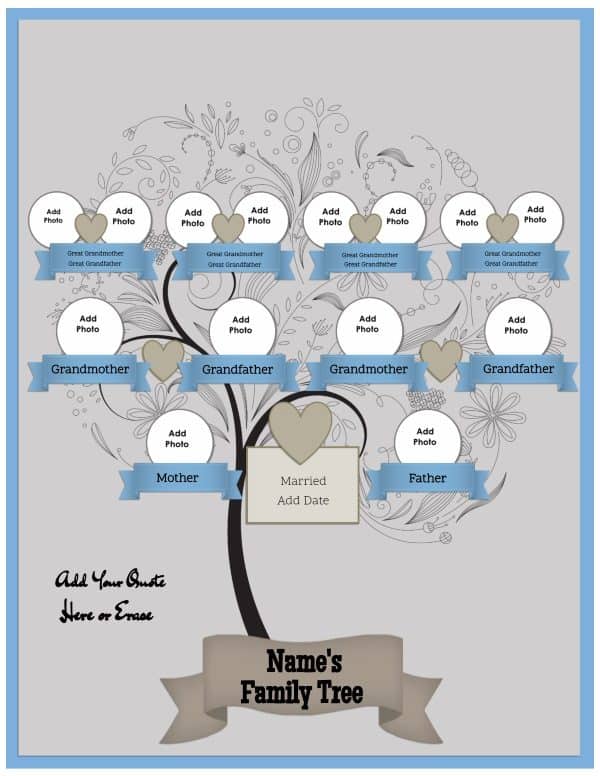
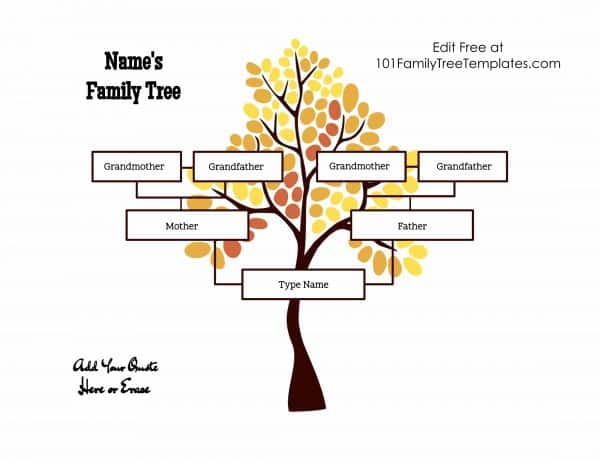
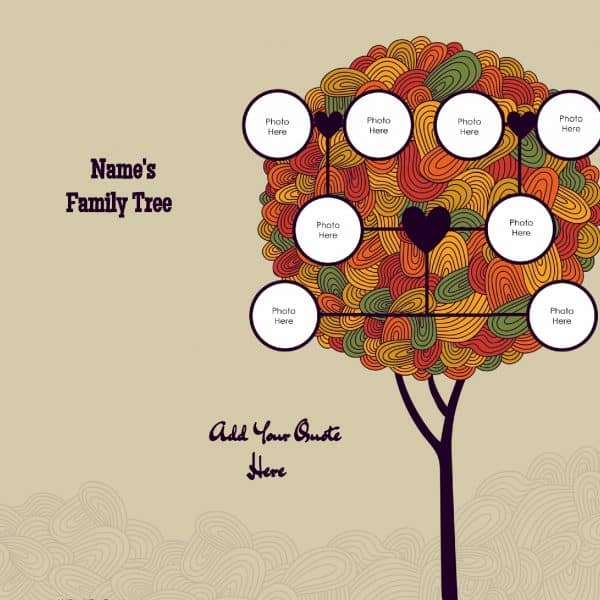
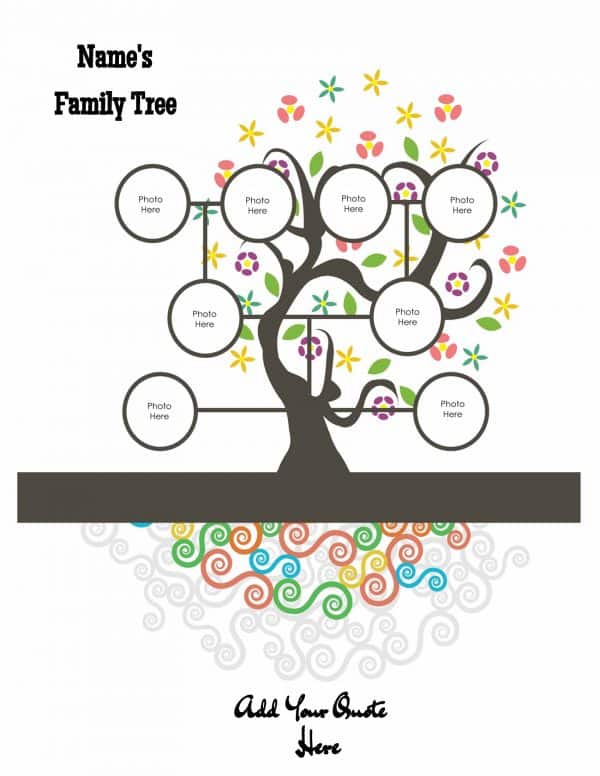
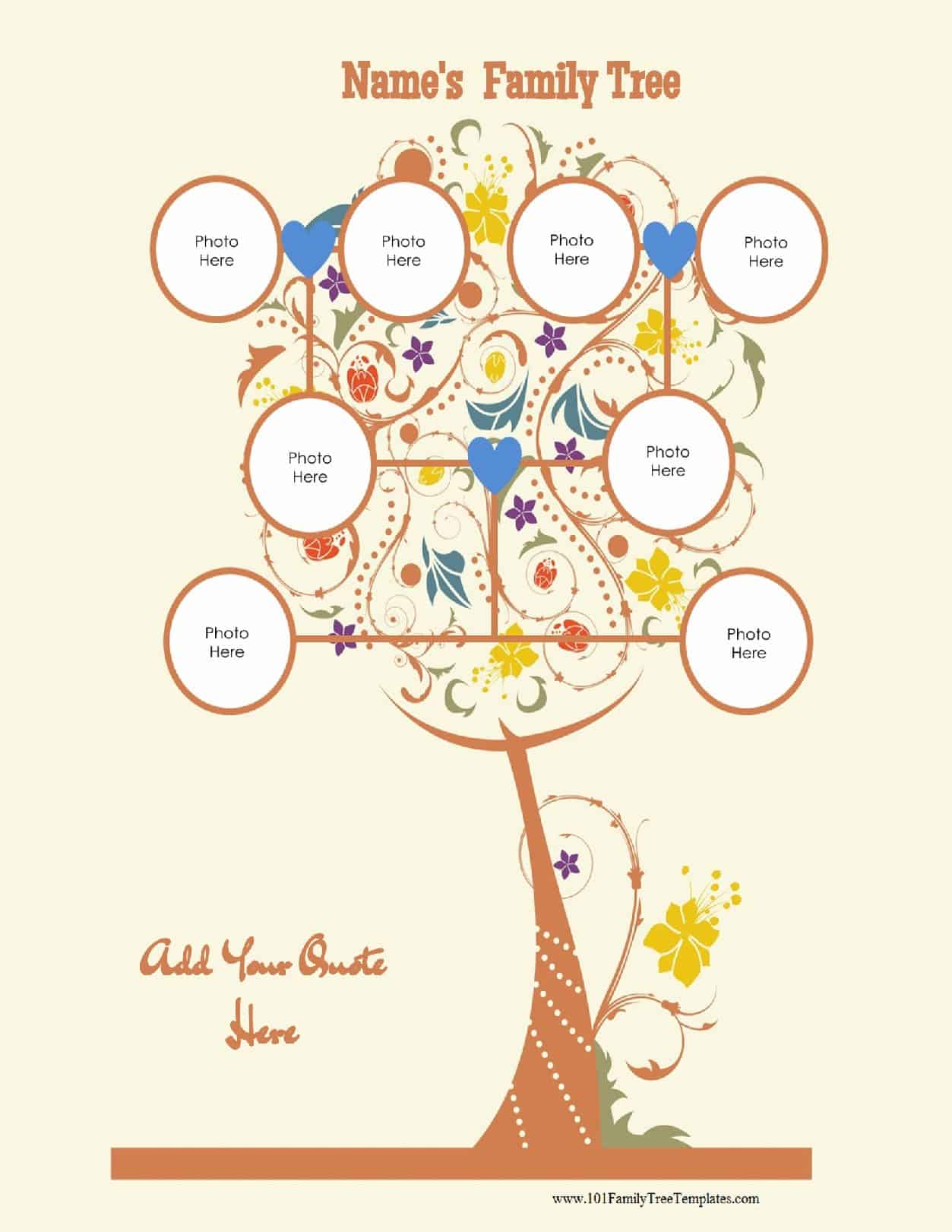
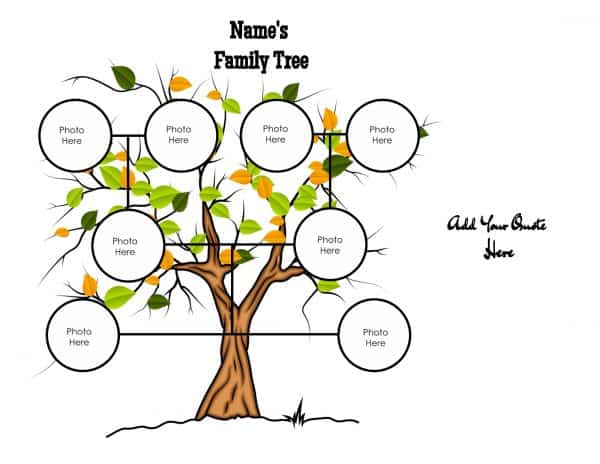
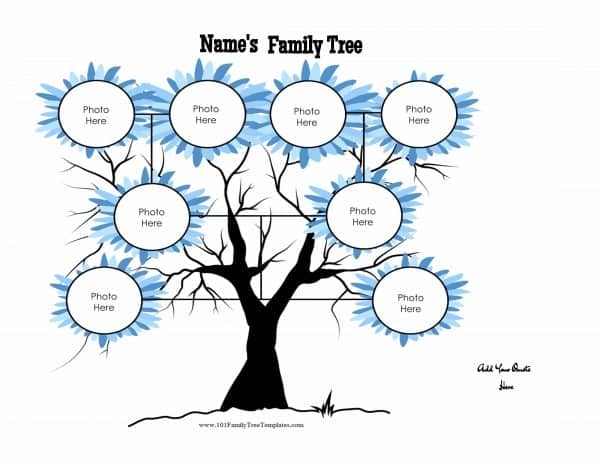
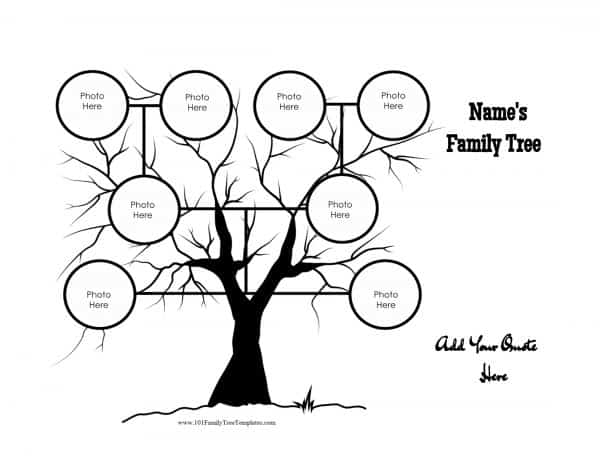
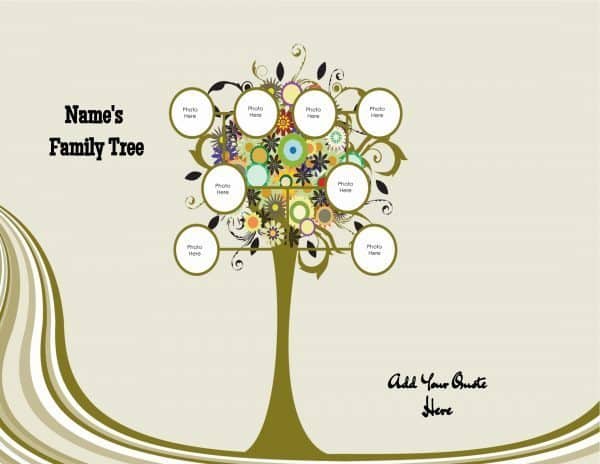
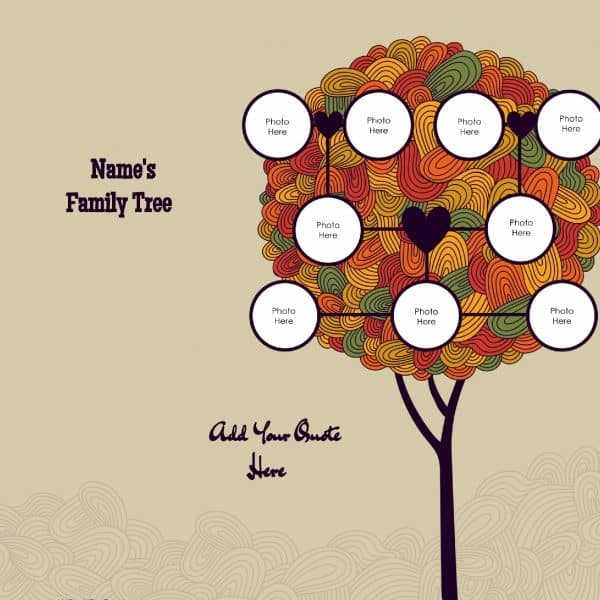
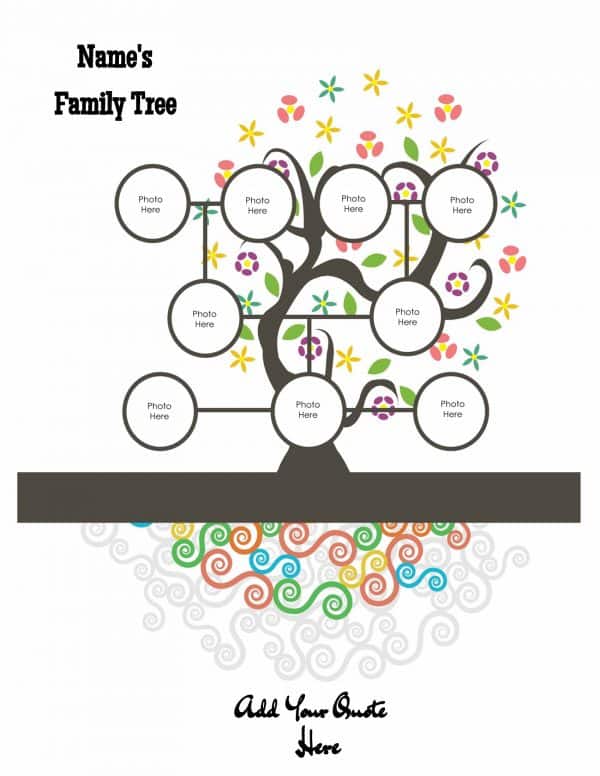
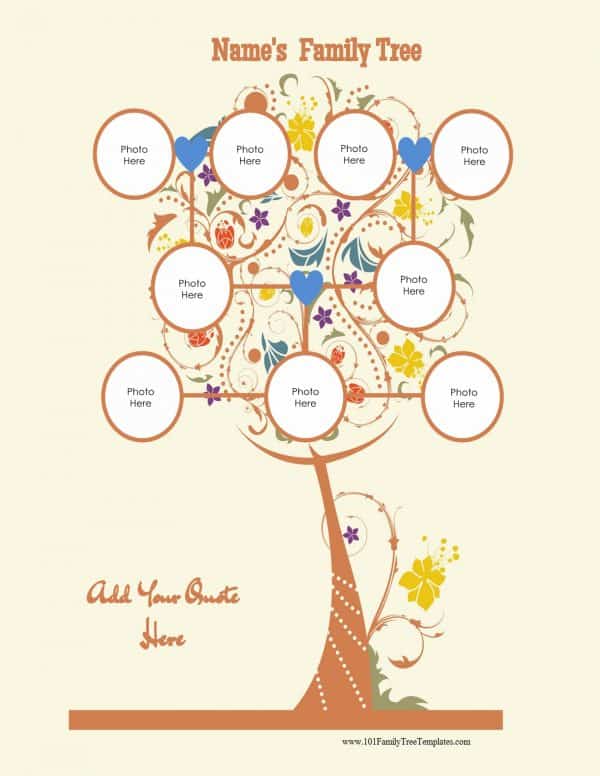
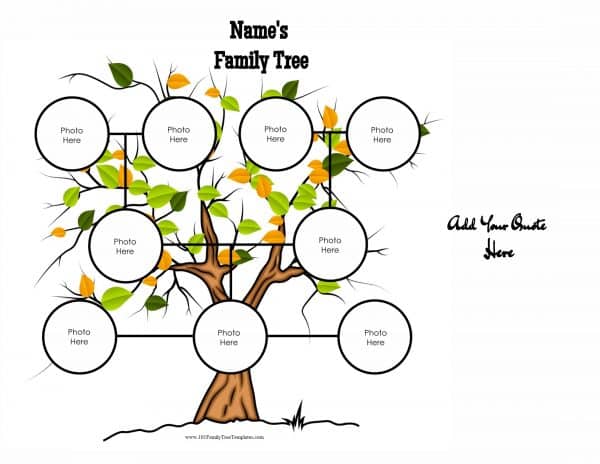
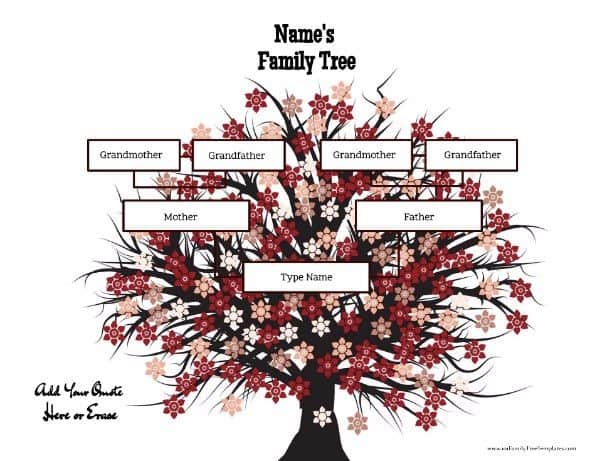
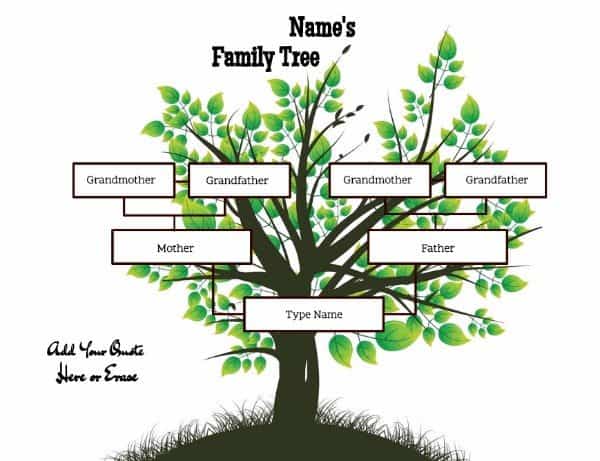
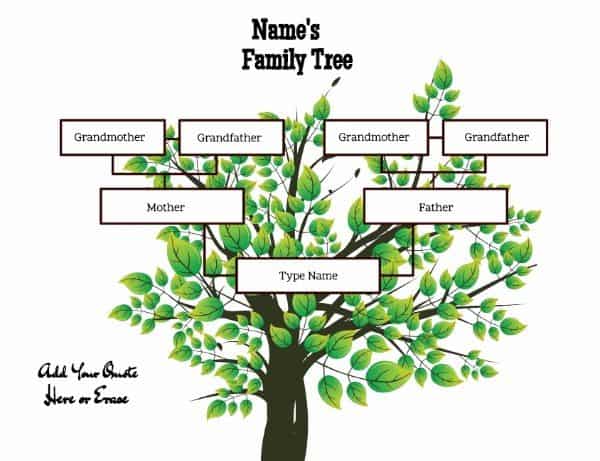
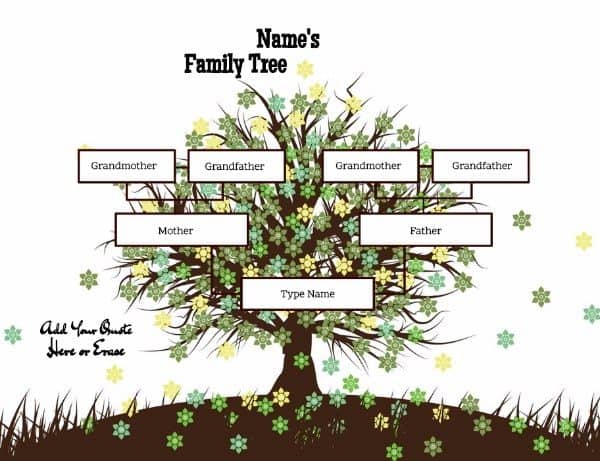
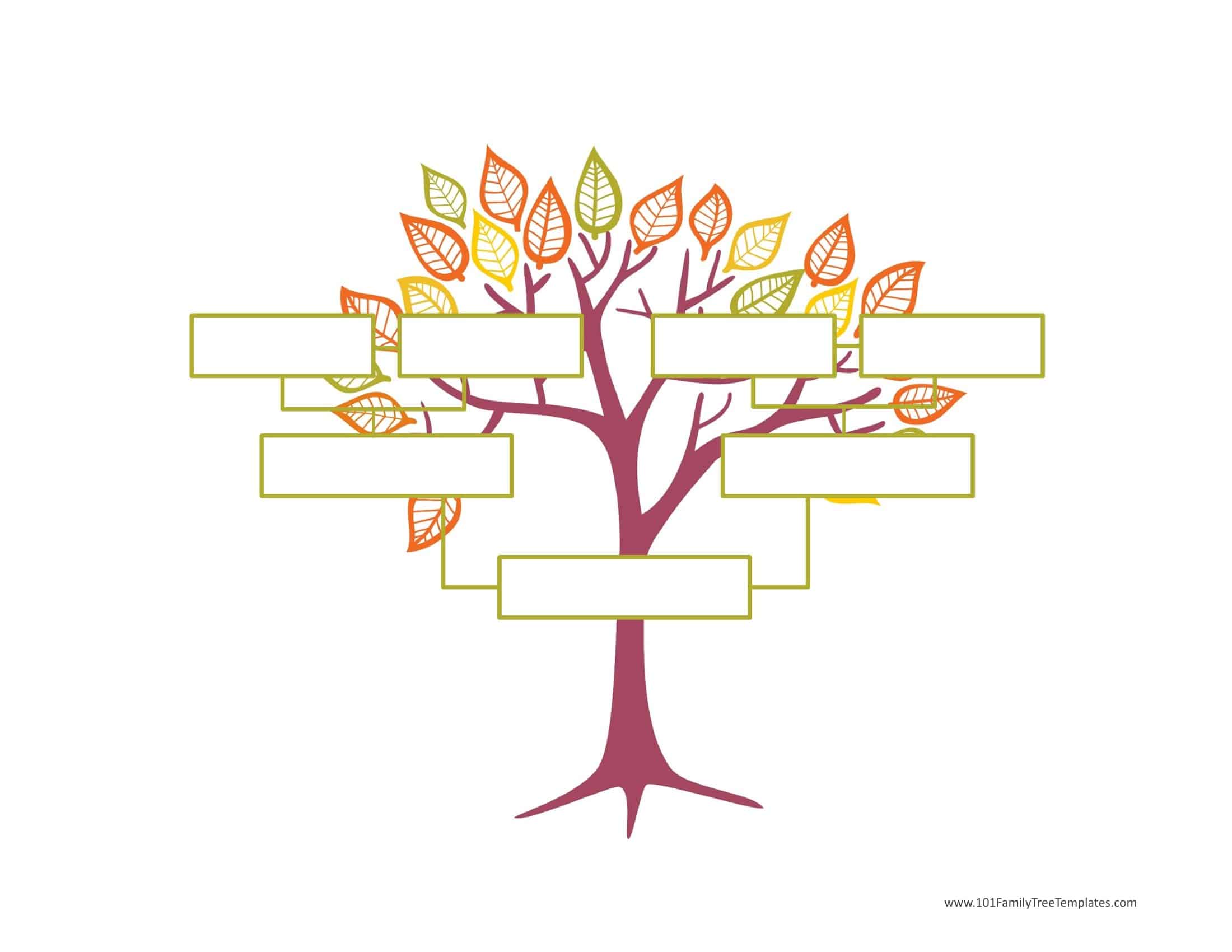
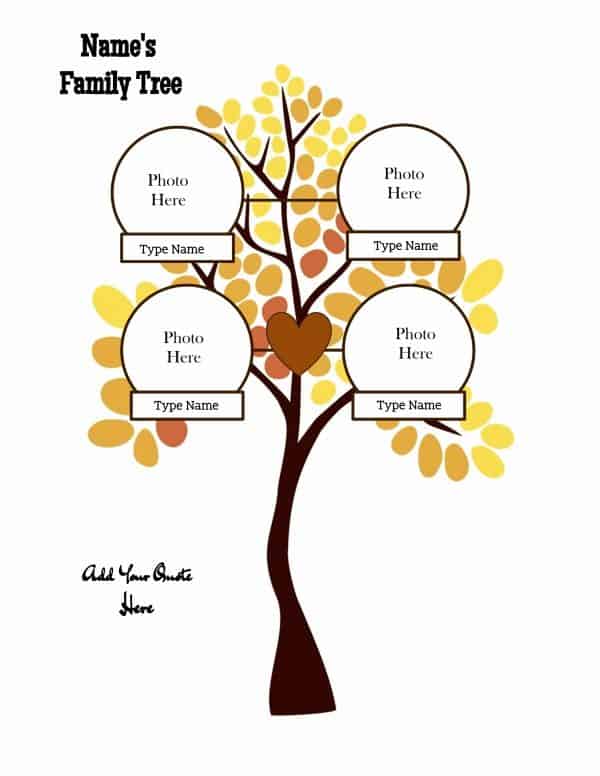
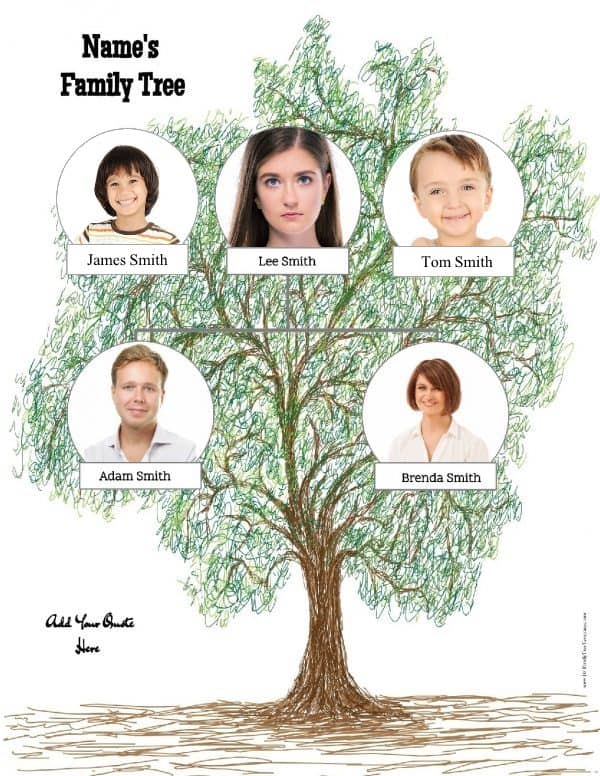
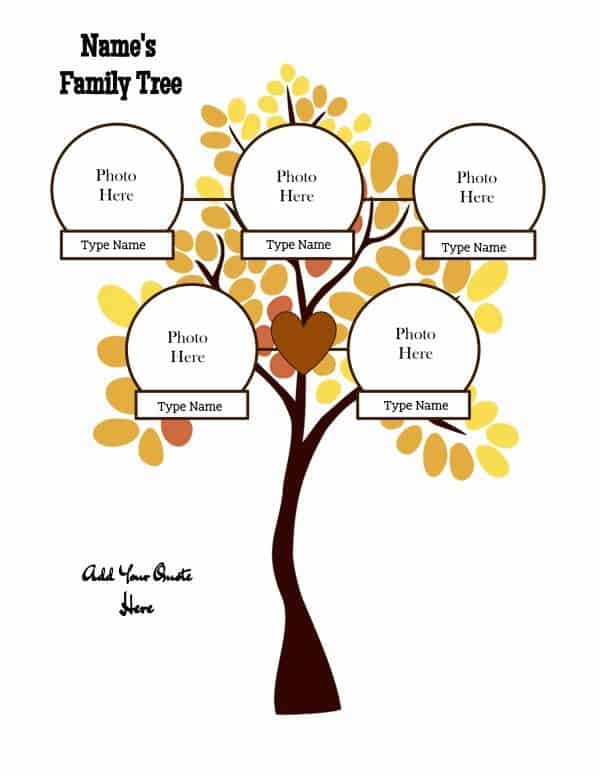
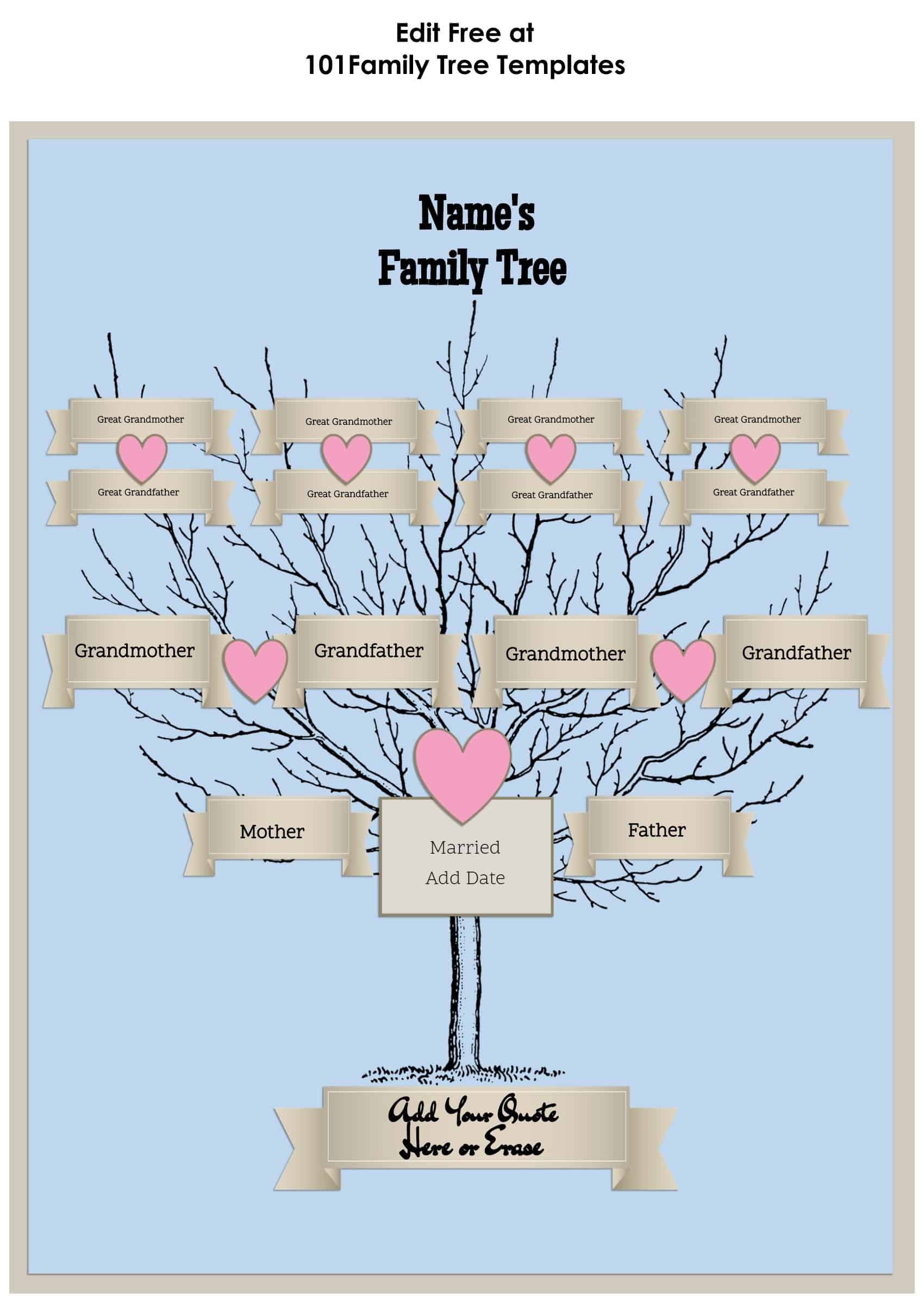
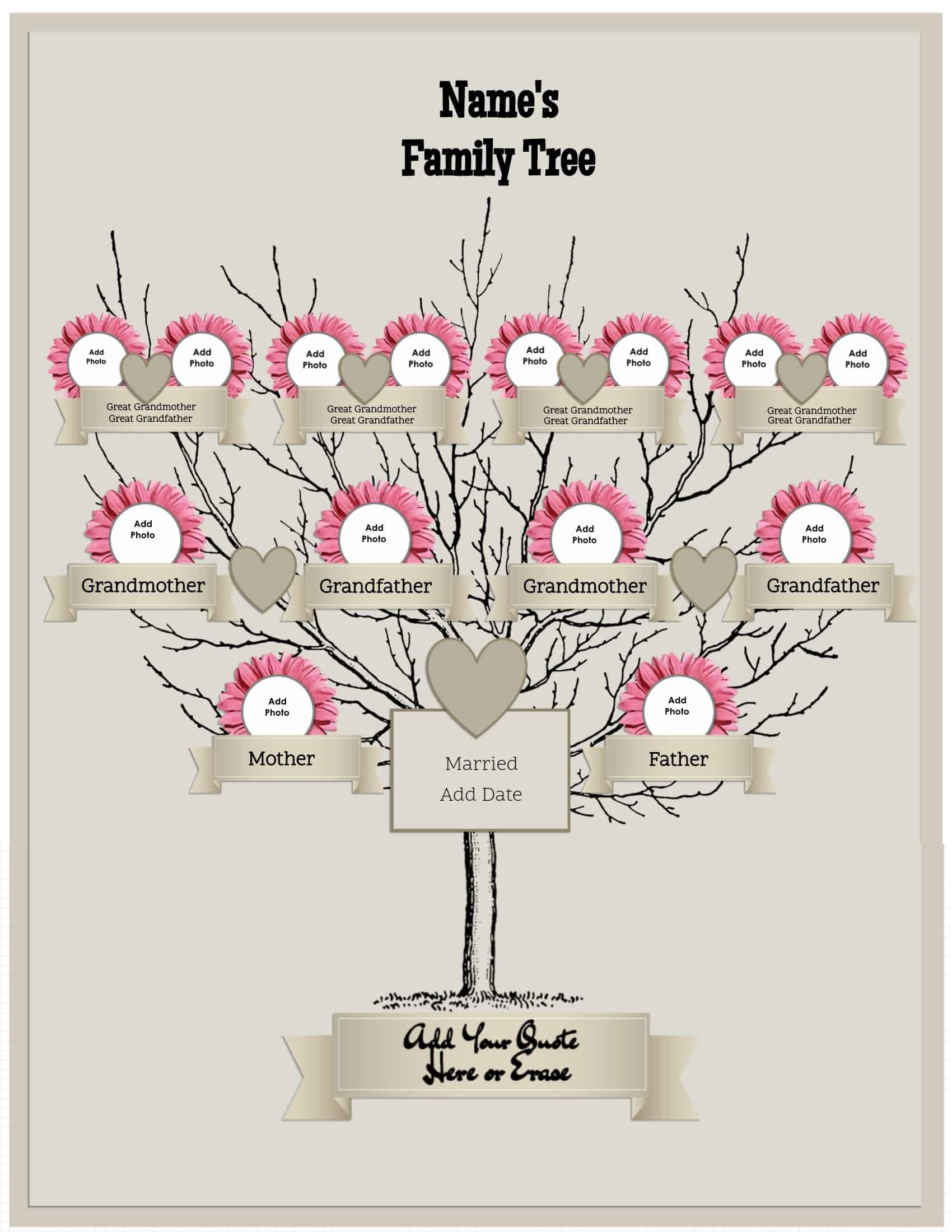
4 generation family tree template free to customize and to print. You can add your own photos and text. There is no need to download any software to create the family tree. You also don’t need to register. It only takes a few minutes to make. You can make unlimited copies.
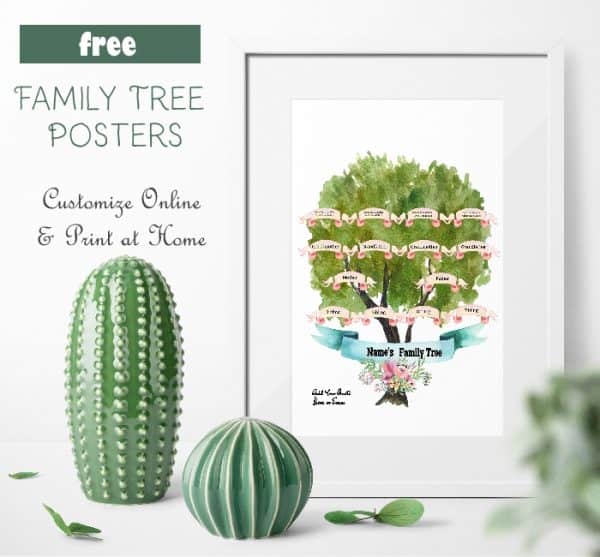
family tree poster

Photos and Text

Free family tree maker

open family tree maker

4 generations

open family tree maker

Generate a family treeopen family tree makerText-Only (No Photos)

4 generation family tree template free

open family tree maker


My Family Tree


Family Tree Maker


Free family tree


Family Tree Maker


Free family tree maker


Make a family tree


Family tree ideas


family tree generator


How to Create a Family Tree

If you are on this page then we assume that you want to create a family tree for four generations. If not, then try the other templates on this site.

Select the template that you like best. There are many different versions on this page.

Decide how many siblings you want to include. Click on the relevant number.

The family tree creator will open. You can now add the names of each family member. You can also add photos if you selected a template with photos.
Categories // Uncategorized

Three Generations

08.07.2016 by ayz_5354 // 1 Comment

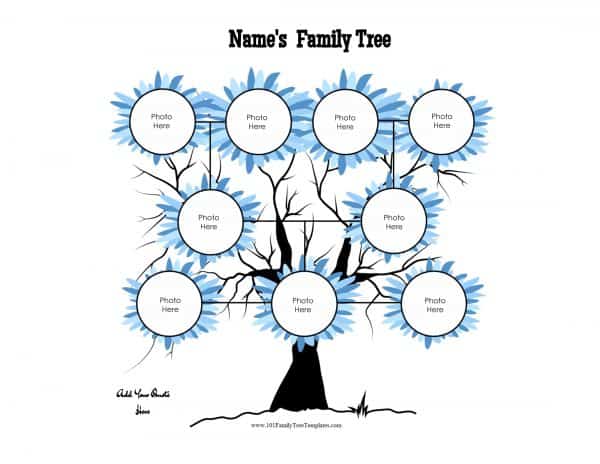
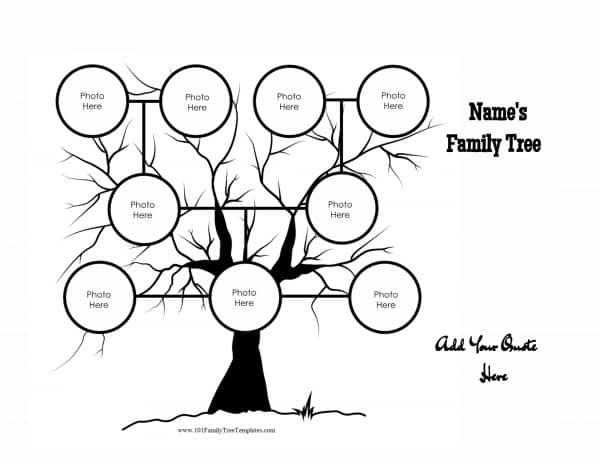
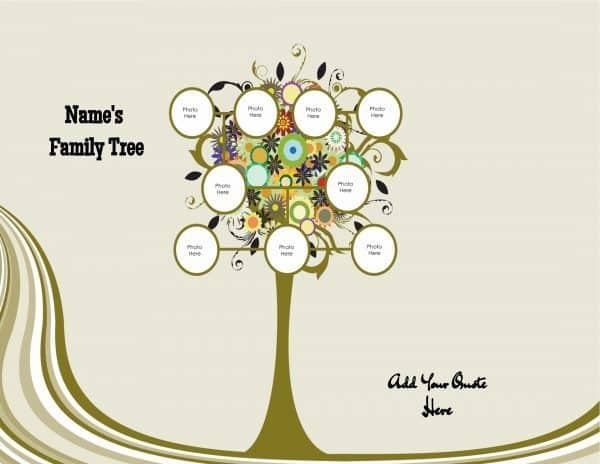
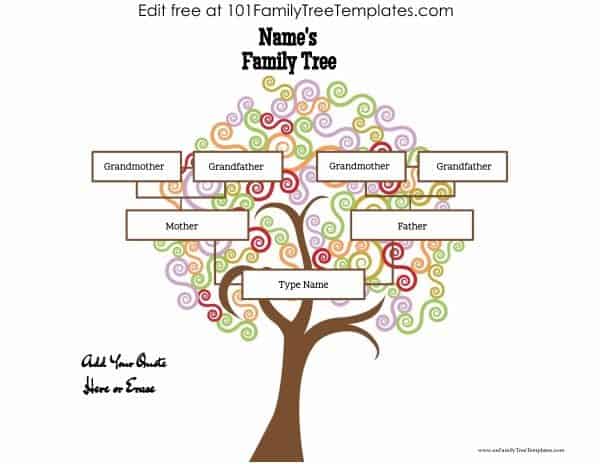
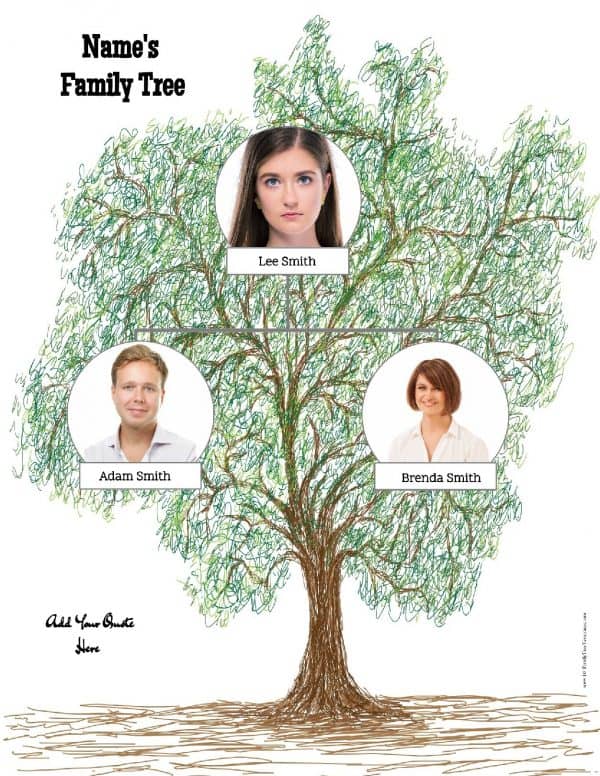
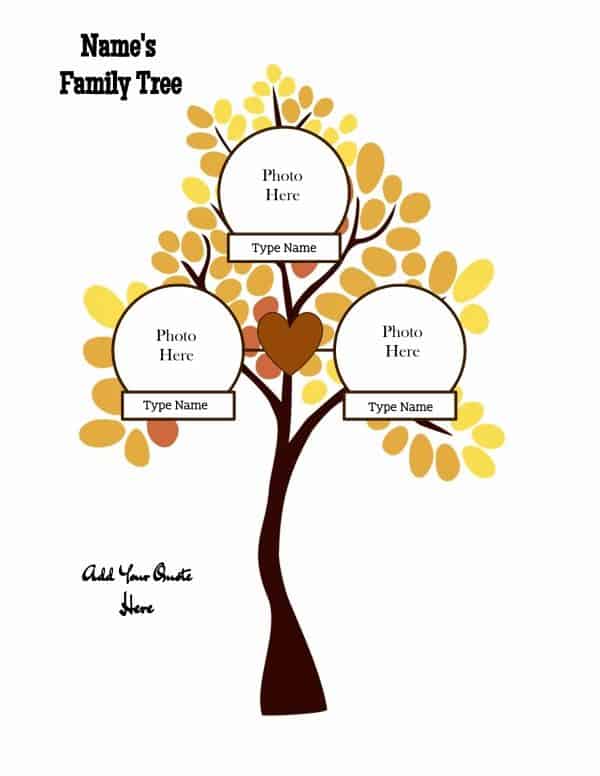
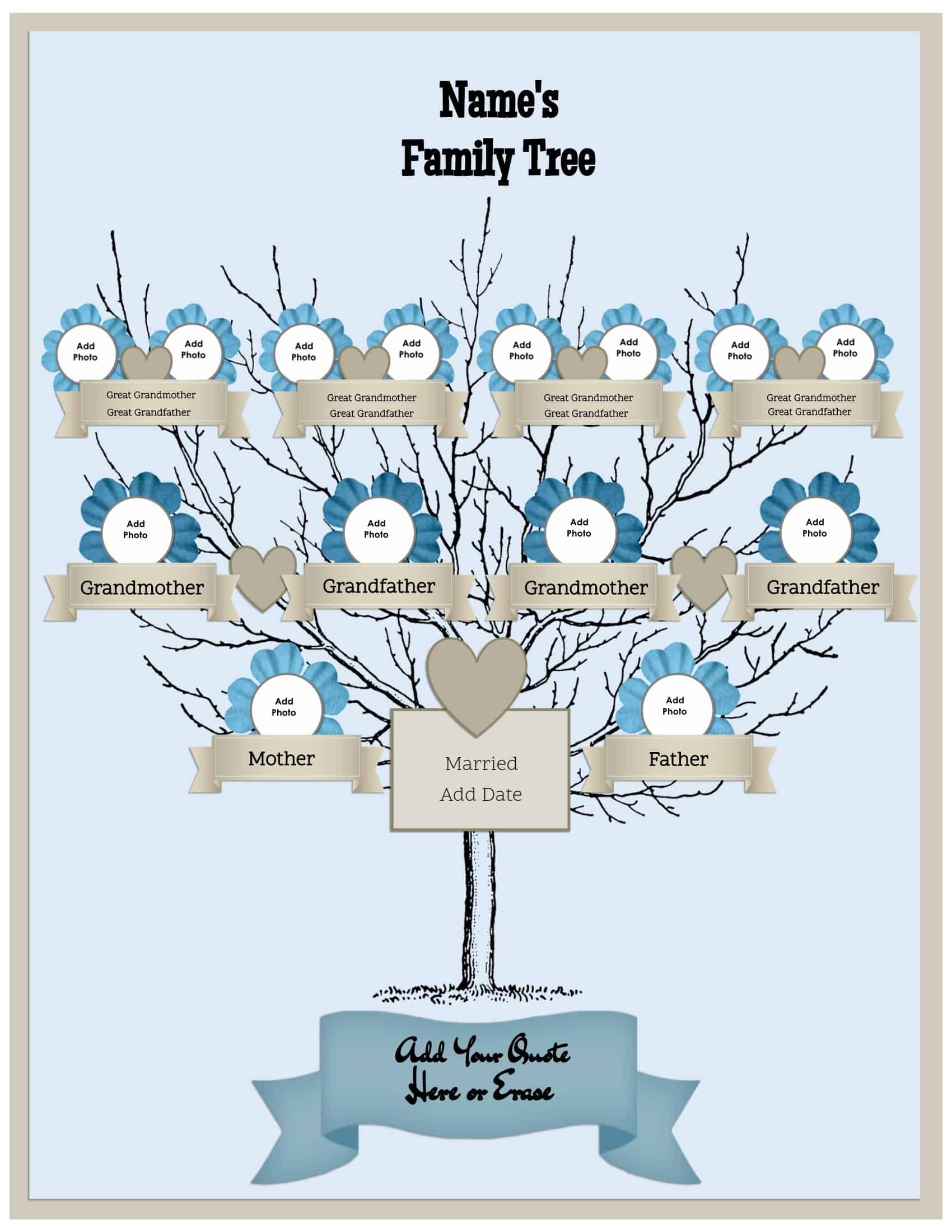
Use our free family tree generator to create your own custom family tree. The templates on this page include three generations, but we have more templates on other pages. You can add your own photos and text. The following images are just samples. To edit the family trees, please click on “open the family tree maker” below.

Three Generations

This template is suitable for a married couple with no children. If you want to add children, then see the templates below (that show three generations) or those for four generations.

Family tree maker

open family tree maker

diagram

open family tree maker

3 generation family tree

open family tree maker

Family Tree Generator

open family tree maker

Free family tree


Three Generations with Two Children

(can include pets)

square with interesting pattern

open family tree maker

family tree with colored roots

3 generations with 2 siblings

autumn

blue flowers

black

shades of green

Three Generations with Three Children (can include pets)

3 generations with a square shape

3 generations and two siblings

tree with flowers, birds and hearts

fall / autumn

Blue flowers around the photo frames

black-family-tree

family-tree

Text-Only (No Photos)


open family tree maker

Family tree templates


Family Tree picture


Create a family tree


Family tree images


Family tree maker templates


Family Tree Maker 2017


Blank Family Tree


How to Use the Family Tree Generator

  1. Select the template that you want to use.
  2. Decide how many siblings you want to include in the youngest generation. There are three options (1, 2 or 3).
  3. Type the name of each family member.
  4. Add photos if you selected a template with photos.
  5. Download or print.

Please note that this is a 3 generation family tree. We also have two or four generations available.

Categories // Uncategorized

Two Generations

08.07.2016 by ayz_5354 // Leave a Comment

If you are looking for a family tree template with siblings then please scroll down the page.

Family Tree Template without Siblings

Two Generations with Photos and Names

family tree template for two generations with photos and names

My family tree

 open family tree maker

Family Tree Template with Siblings

Two Generations with Two Siblings

family tree maker

open family tree maker

Two Generations with Three Siblings

Photos and Names

Family Tree Template with Siblings

open family tree maker

Free family tree

open family tree maker

How to Make a Family Tree Free

  1. Select the number of generations that you want to include in your family tree. There are two generations on this page but you can find additional templates on this site.
  2. Select the number of siblings.
  3. Click on the template to open the family tree maker.
  4. Upload an image for each family member.
  5. Type each person’s name.
  6. Add the family name at the top of the page (or delete).
  7. Add a quote at the bottom of the page (or delete).

Categories // Uncategorized

  • « Previous Page
  • 1
  • 2

Ads


Contact Us

Did you find a link that doesn’t work? Do you need help with the site?

Please contact us if you require assistance!

Privacy Policy

About Us | Contact Us

Copyright © 2026